Showing posts with label terminal. Show all posts

Monday, September 27, 2010

Disk Usage on a Remote host: Enable X11 Forwarding for ssh and run x11 application

Lately I was in the of analyze analyze disk space on a remote server, when you are on *nix you can do such things quite easliy.
ssh into your remote host and Enable ForwardX11
  1. For  enabling it for sshd (ssh deamon):
    •   sudo vi /etc/ssh/sshd_config 
    • and modify X11Forwarding no to X11Forwarding yes
  2. Restart sshd:
    • sudo /etc/init.d/ssh 
  3. Exit from current session
  4. ssh into remote host again with -X flag
    • ssh -X username@hostname
  5. Run your application in my case $ baobab
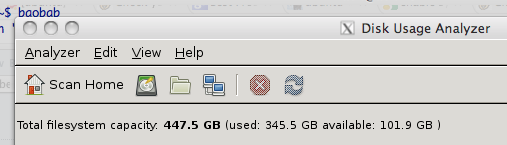
Disk Usage Utility
Have Look at JDiskReport for a cross platform app.
For Macs Edit  sshd_config  located in /etc
  1. sudo vim /etc/sshd_config 
  2. ssh to your mac
  3. Run the app $ java -jar jdiskreport-1.3.2.jar 
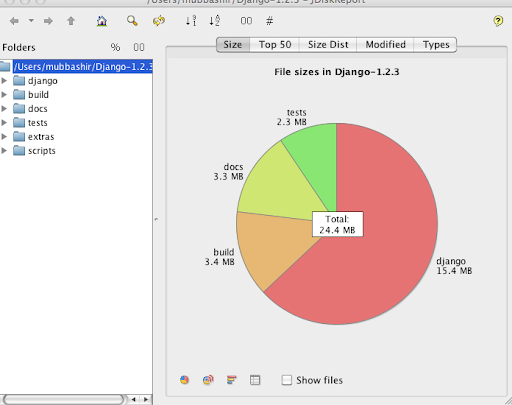
JDiskReport


Thursday, January 10, 2008

Changing the Default editor for your terminal

You can change the default editor by setting the EDITOR environment variable. In BASH. This default editor is most of the time invoked by -e switch.
To see what is the current EDITOR.
# set | grep EDITOR EDITOR=/bin/nano # which vi (shows the full path of (shell) command vi ) /usr/bin/vi # export EDITOR=/usr/bin/vi verify the current EDITOR # set | grep EDITOR EDITOR=/usr/bin/vi  
--  Regards,  Mubbashir